Create and edit a room
Creating and managing your rooms is easy through the WellnessRooms admin panel. We would recommend you create an individual room for each physical space available to rent.
Creating a room
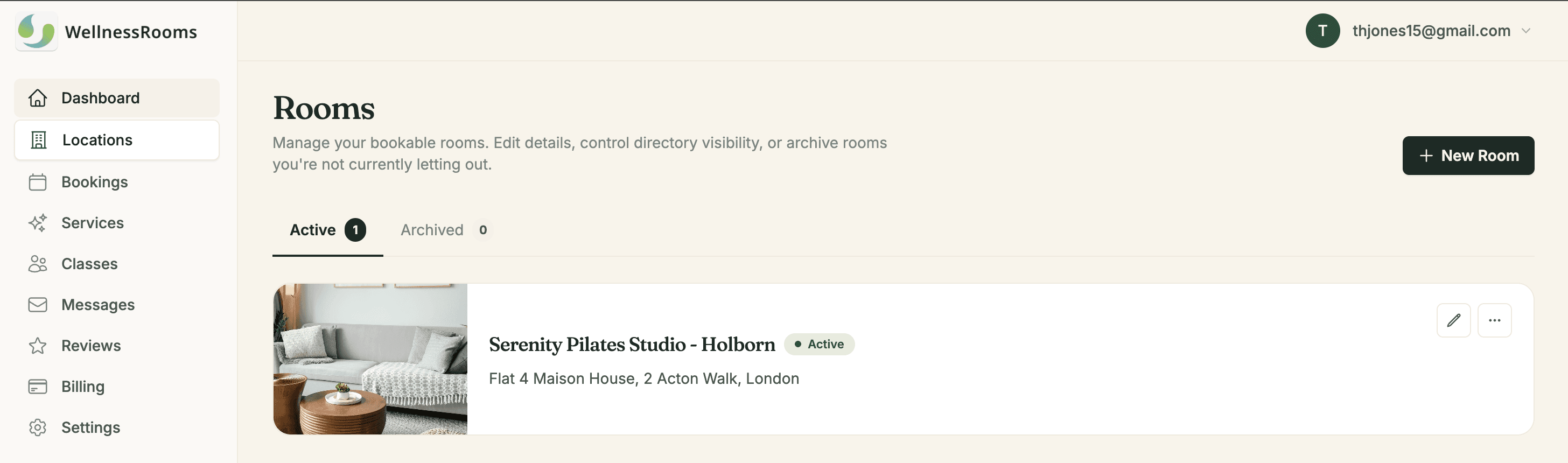
From the Locations tab, click New Room, you will then be directed to the new room form.
The fields that drive enquiries
Not every field carries equal weight. These three do most of the work:
Photos. The highest-leverage thing on the page. Listings with several clear, well-lit photos consistently out-perform listings with one or none. Shoot in daylight, tidy first, and include a wide shot showing the whole space.
Category. Determines which directory searches you appear in — therapy room, treatment room, studio space and so on. Pick the closest match rather than the most flattering one; appearing in searches you don't fit wastes everyone's time.
Description. Answer the questions a practitioner has to ask otherwise: floor area, furniture included, parking, step-free access, waiting area, who else uses the building.
Features and suitability
Both are filters on the directory, and both are strict — if a practitioner filters for "natural light" and "disabled access", only rooms with both are shown.
That cuts two ways. Tick everything the room genuinely has, because each one is a search you could appear in. Don't tick anything it doesn't, because the enquiry you win on a false claim is the booking you lose on arrival.
Opening hours
Room hours sit inside the location's hours and can only be more restrictive. If the location is open 8am–8pm and this room is only free in the mornings, set the room to 8am–1pm.
For one-off unavailability, use a block instead.
Changes to a published room appear on the directory within a couple of minutes. You don't need to unpublish and republish to make an edit.
Taking a room down
Switch Accept enquiries off. The room keeps all its details and disappears from the directory until you turn it back on — see going live on the directory.